

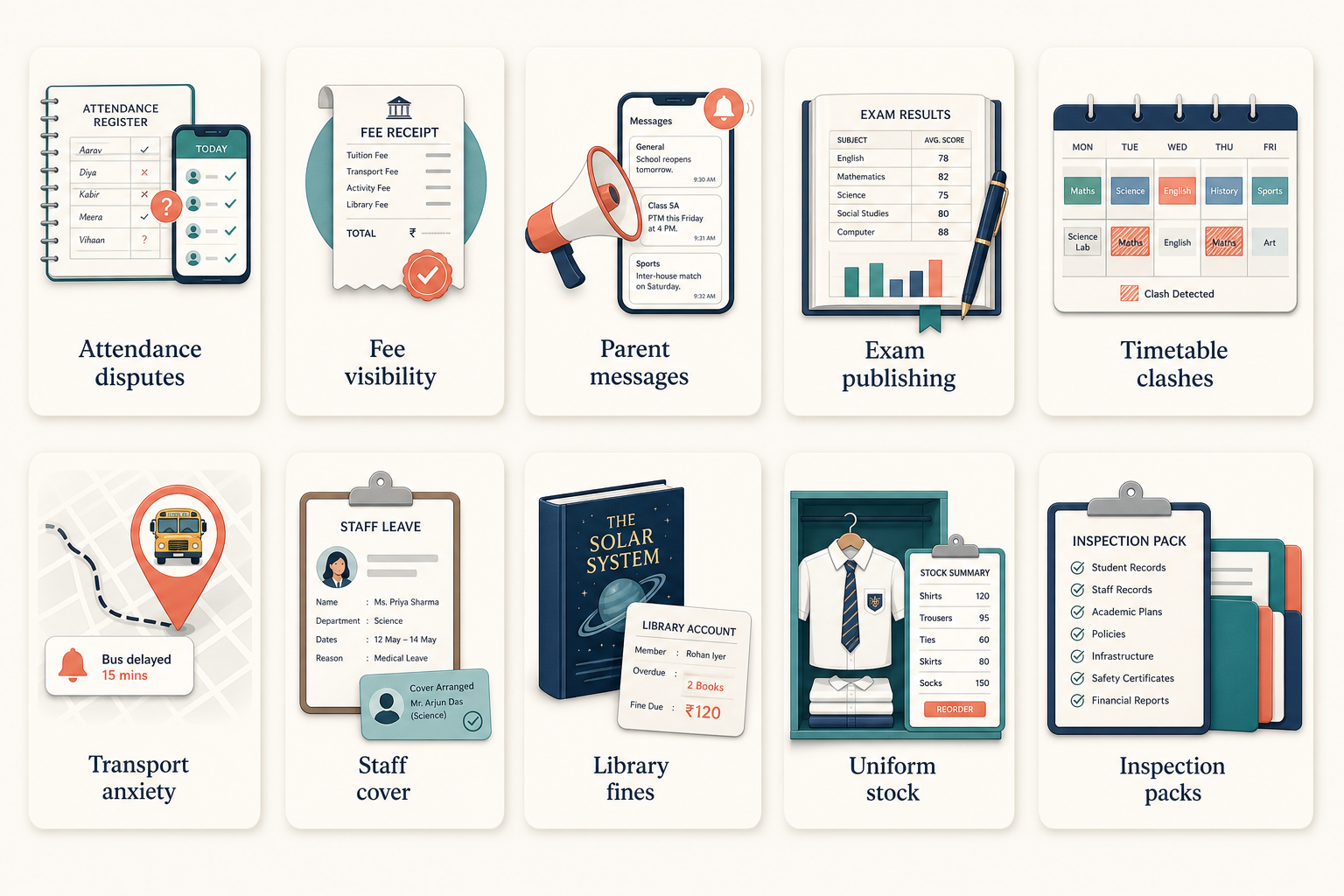
Schools do not wake up wanting software. They wake up with a queue: a parent who was not told about a due, a teacher whose attendance register contradicts the office, a bus that parents cannot locate, an exam mark that exists in two files. This list is those problems — and what a single campus record changes.
Ten operating problems and what a connected platform changes
| Problem | Traditional approach | Digital approach | What improves |
|---|---|---|---|
| Attendance disputes | Paper / Excel | Digital attendance + parent alert | Fewer “was my child present?” calls |
| Fee visibility | Spreadsheets and cash books | Fee heads, dues, receipts | Office knows who owes what |
| Parent messages | WhatsApp groups and paper notes | Central notices and diary | One channel the school controls |
| Exam publishing | Marksheets copied into Word | Marks entered once, portals updated | Fewer transcription errors |
| Timetable clashes | Whiteboard and last-minute swaps | Timetable on the same teacher/class record | Fewer surprise free periods |
| Transport anxiety | Phone the driver | Routes and live location on the student record | Parents stop calling the office for ETAs |
| Staff leaves vs class cover | Registers in a drawer | Leave + timetable in one system | Cover is planned, not guessed |
| Library and fines | Card registers | Issues tied to the student | Books and fines are not informal |
| Uniform / store stock | Notebook inventory | Issue records against students | Less “we ran out” surprise |
| Inspection packs | Weekend of photocopying | Reports from live modules | Less panic before a visit |
1. Attendance that nobody can defend
Paper registers go missing. Excel files have two versions. Parents hear different answers from the class teacher and the front desk. Digital attendance is useful only if it is the register — not a copy made at 4pm.
2. Fees that live beside the class list
If the accountant’s sheet uses nicknames and the academic list uses official names, dues will always be wrong for someone. Fees belong on the student record. Reminders then go to the right parent for the right child.
3. Parent communication as a rumour network
WhatsApp is fast and uncontrollable. A diary and notice module will not stop informal chats, but it can be the official record. See How schools can improve parent communication with technology.
4–10. The rest of the campus
Exams, timetables, transport, leaves, library, inventory, and inspections follow the same rule: if the student or staff identity is shared, the problem becomes a workflow. If it is not shared, software only adds another password.
While designing Orbit, we treated these as modules on one campus, not ten products. That is why a parent can see attendance, fees, and transport against the same child. For the module list, see Orbit ERP.
What software will not solve
- Unclear fee policies — software will faithfully collect a confusing policy
- Teachers who are never given time to mark attendance in class
- Leadership that wants dashboards but will not retire the shadow Excel file
FAQ
Do we need all ten modules on day one?
No. You need the modules that match the pain you ranked. You do need those modules to share identity so you are not integrating later under pressure.
Will this reduce staff headcount?
That is a school decision. The usual outcome is that the same people spend less time reconciling lists. Do not promise a number you cannot measure.
Looking for a platform that keeps academics, fees, and parent communication on one student record? Orbit ERP is Devzin’s school and college ERP — available for schools to review in a demo.